
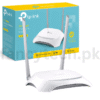
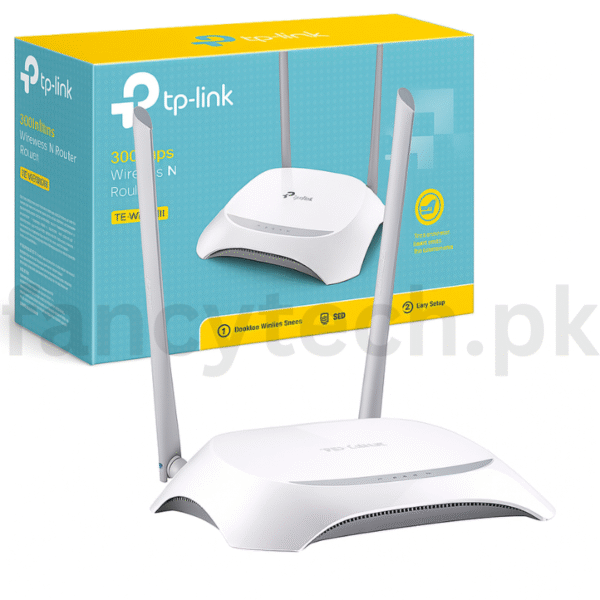
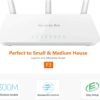
Quick Setup Guide:
-
Power On
Plug in the router and turn it on. -
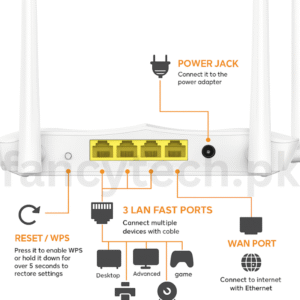
Connect to Modem
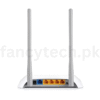
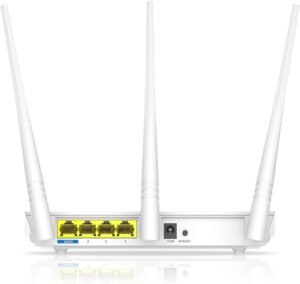
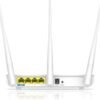
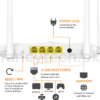
Use an Ethernet cable to connect your modem to the WAN port (blue port). -
Connect Your Device
Join the default WiFi (SSID/password on router label) or use LAN cable. -
Open Setup Page
In browser, go to http://tplinkwifi.net
Login with default credentials (admin/admin). -
Run Setup Wizard
Choose connection type, set your WiFi name and password. -
Save & Finish
Apply settings and reboot if required.






Reviews
There are no reviews yet.