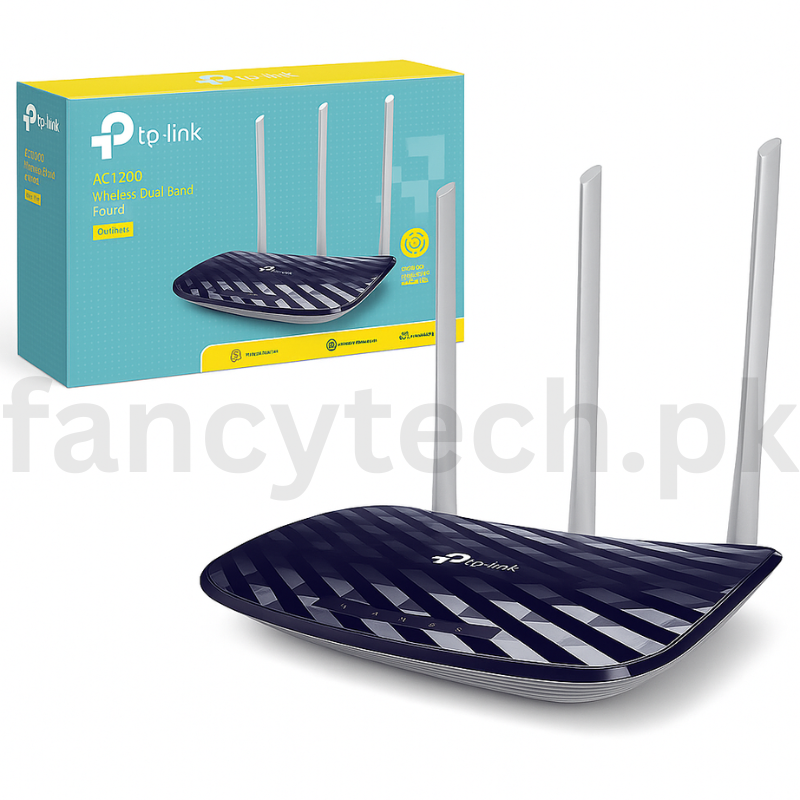
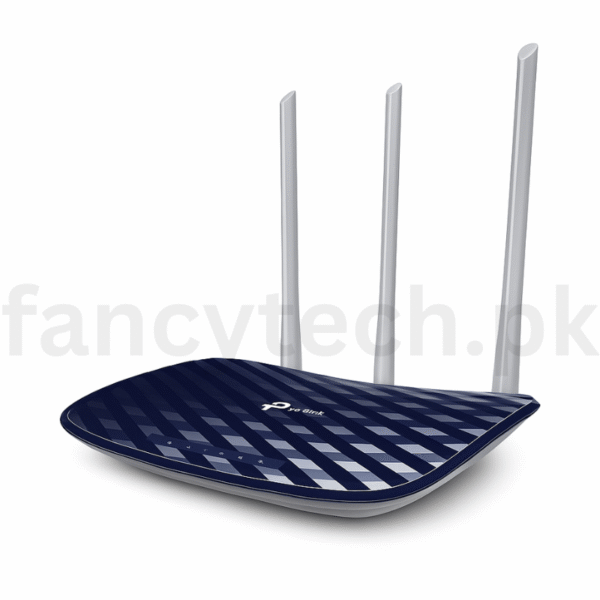
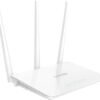
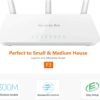
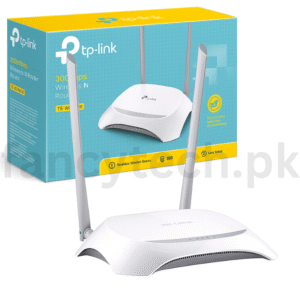
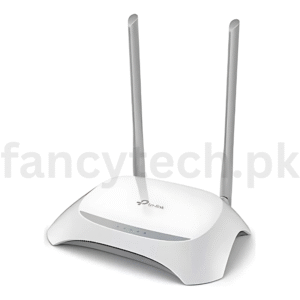
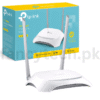
Upgrade your home or office network with the TP-Link Archer C20 AC750 Wireless Dual Band Router, a reliable and budget-friendly solution for high-speed internet. Equipped with dual-band technology, it delivers up to 750Mbps combined speed—300Mbps on 2.4GHz and 433Mbps on 5GHz—perfect for HD streaming, online gaming, smooth browsing, and smart device connectivity.
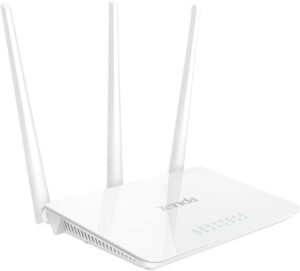
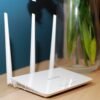
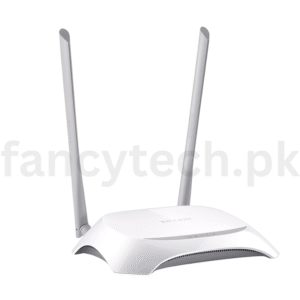
The Archer C20 features three external antennas that ensure strong signal strength and stable coverage across multiple rooms. Its easy setup and intuitive web interface make it ideal for users of all levels. With support for Guest Network, Parental Controls, IP-based Bandwidth Control, and WPA/WPA2 encryption, your network stays secure and manageable.
Whether you’re working from home, streaming 4K videos, or gaming online, the TP-Link AC750 router delivers the speed and reliability you need—without breaking the bank.
-
Plug in the Router
Connect the power adapter and turn on the router.
-
Connect to Modem
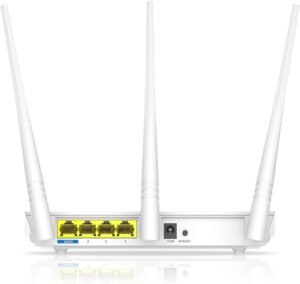
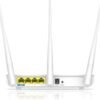
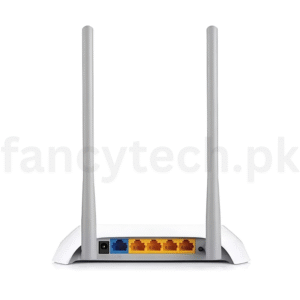
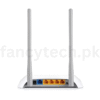
Use an Ethernet cable to connect your modem to the WAN port (blue port) on the router.
-
Connect Your Device
Join the default WiFi network (SSID and password are on the router label) or use an Ethernet cable.
-
Access Setup Page
Open a browser and go to: http://tplinkwifi.net
Login with default credentials (usually admin/admin).
-
Follow the Setup Wizard
Choose your internet type and customize your WiFi name and password.
-
Save & Reboot
Save settings and reboot to apply changes.





Reviews
There are no reviews yet.